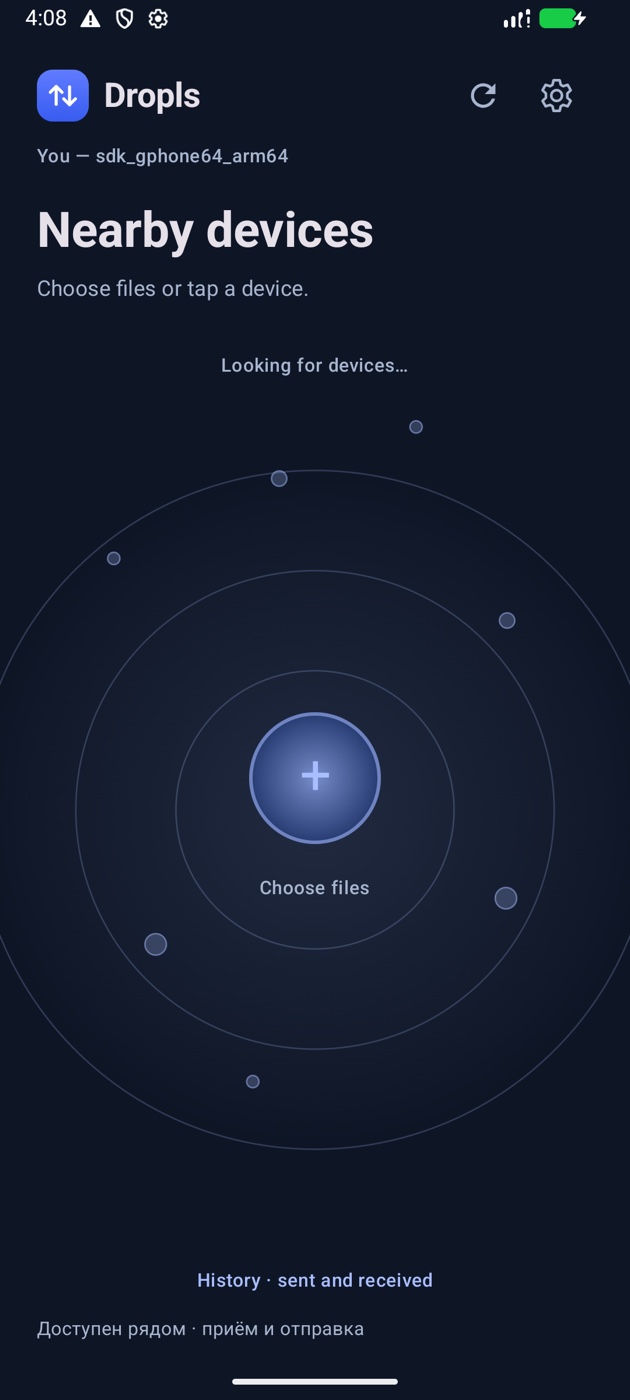
 DroplsRU
Transfer files from Android to Mac over Wi-Fi
Move original photos and videos from your Android phone to your Mac over the local network.
How it works
- Install Dropls on both devices and connect them to the same local network.
- On Android, select a photo or video, tap your Mac and compare the pairing code on both screens the first time.
- Open History on the Mac to find the received file. To send new shots automatically, enable camera auto-upload and select the paired Mac.