 DroplsRU
Transfer files between Windows and Mac
Send a project folder between a Windows PC and a Mac over your local network.
How it works
- Open Dropls on both computers on the same network and confirm the matching code on your first transfer.
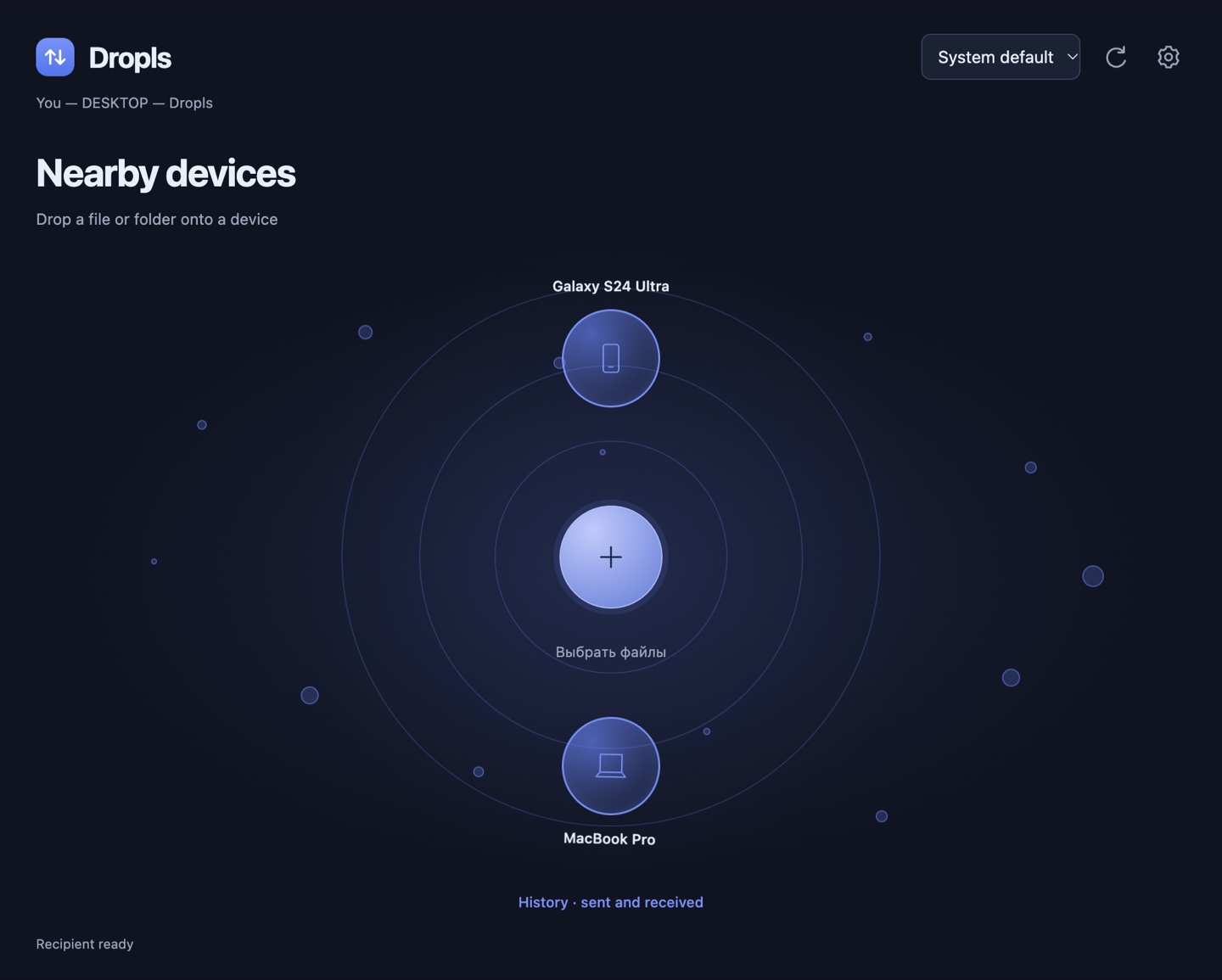
- On Windows, drag your project folder from File Explorer onto the Mac bubble. To send it back, drop the folder from Finder onto the Windows bubble.
- Watch the shared progress indicator, then open the received folder from History. Subfolders and empty folders keep their structure.