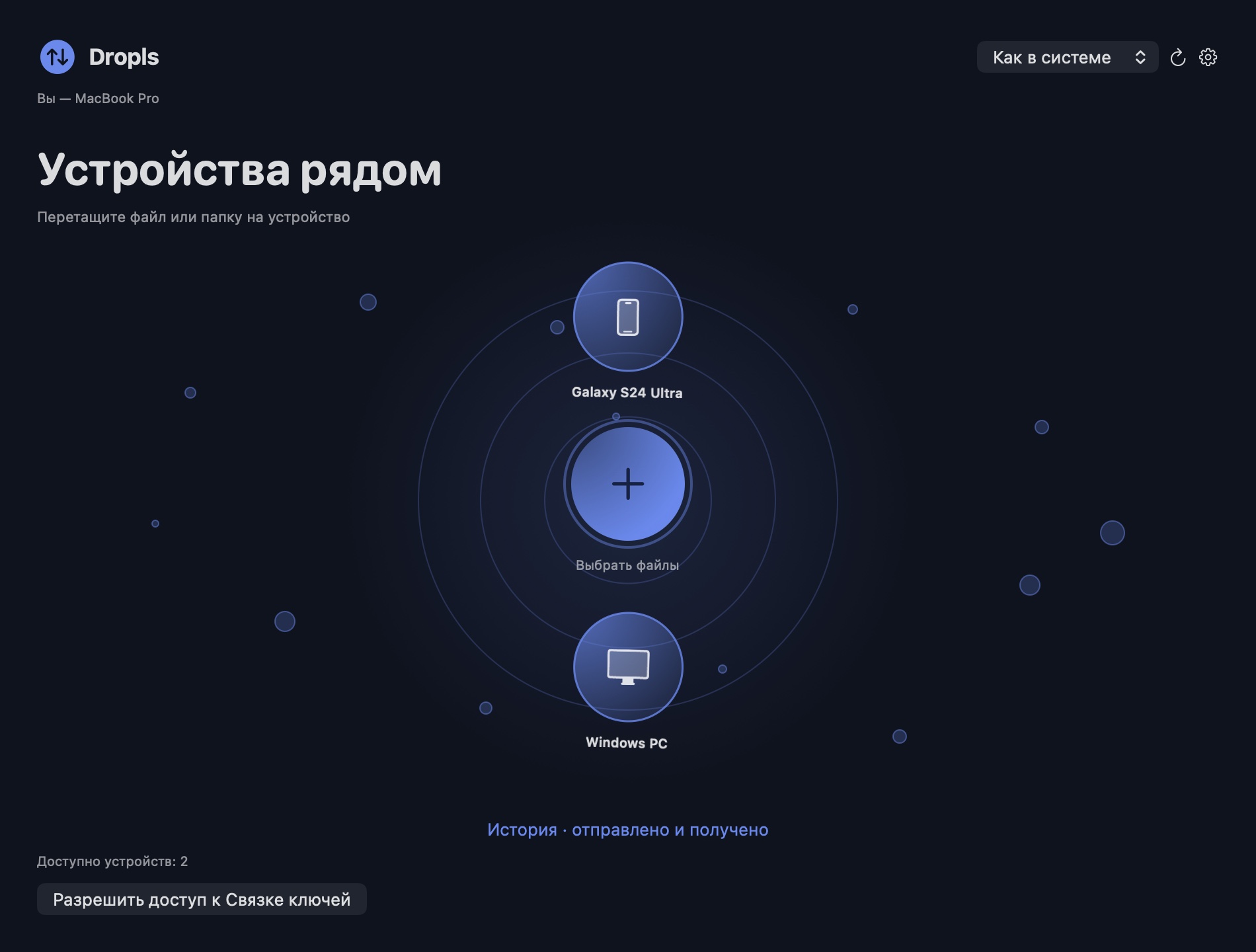
 DroplsRU
Automatic folder backup over your local network
Keep a copy of a working folder on another computer with Dropls automatic backup.
How it works
- Pair your computers, then open Settings and choose Auto-transfer on the Mac or Windows computer that holds the working folder.
- Choose the source folder and paired recipient. On the receiving computer, confirm where the backup should be saved.
- Edit a test file while the recipient is offline, then reconnect it and check the backup. Dropls picks up changes when the recipient returns. Deleting an original does not delete the backup copy.