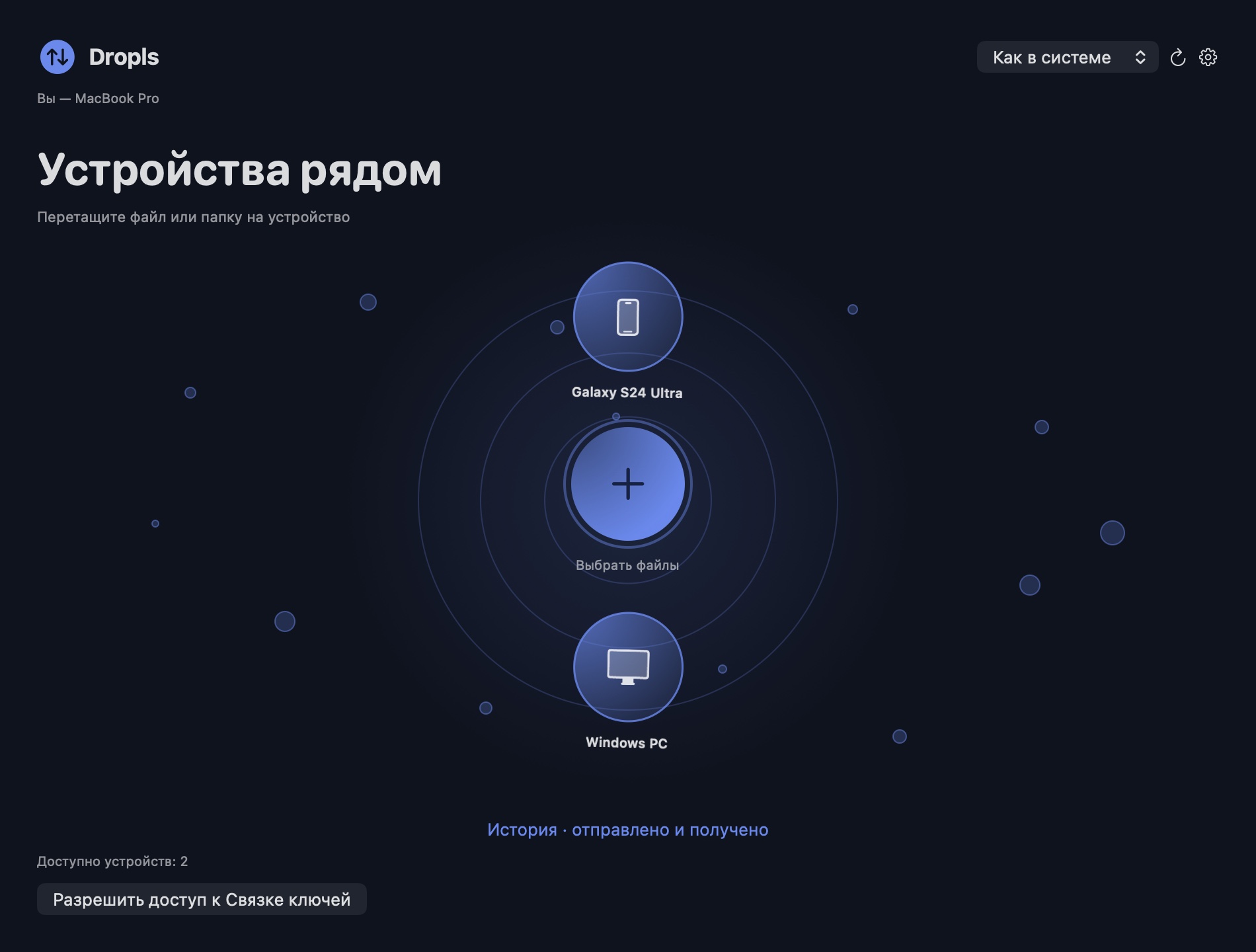
 DroplsRU
Share files on your local network without cloud storage
Share files between Android, Mac and Windows over a local network, even when the internet connection is unavailable.
How it works
- Connect both devices to the same local network and open Dropls. If devices do not appear, check that they are not isolated on a guest network.
- Pick a file and tap the receiving device. On the first transfer, compare and confirm the pairing code on both devices.
- Check History on the receiver. For example, send a PDF from your phone and open it on the computer once delivery finishes.